

Description
Download RSS Dreamfeeder – Free RSS Generator for Dreamweaver Sites
Overview
RSS Dreamfeeder is a lightweight add‑on that plugs directly into Adobe Dreamweaver, turning static HTML or XHTML pages into constantly refreshed RSS feeds without requiring any XML coding knowledge. In today’s content‑driven web, keeping your audience informed through RSS aggregators such as Feedly, Yahoo! Pipes, or Google News can dramatically increase traffic and brand visibility. Dreamfeeder automates the entire process: it scans your Dreamweaver project, detects new or modified articles, and writes a standards‑compliant RSS file that can be submitted to any feed directory. The tool also injects proper tags into your pages so browsers and readers automatically discover the feed. Because the software works from within Dreamweaver’s native interface, you never have to leave your design environment, copy‑paste content, or maintain a separate XML editor. Whether you run a personal blog, a corporate brochure, or a multi‑author news portal built on Dreamweaver, RSS Dreamfeeder ensures that every update—no matter how small—is instantly syndicated to the world’s largest RSS audiences.
The program is built around a wizard‑driven setup that guides you through the creation of your first feed in just a few clicks. Advanced users can then fine‑tune parameters such as update frequency, content filters, and custom tag mapping. The result is a powerful, yet beginner‑friendly solution that bridges the gap between static site design and modern content distribution. By eliminating the manual steps traditionally required to generate an RSS file, Dreamfeeder saves hours of repetitive work each month, letting you focus on creating high‑quality content instead of wrestling with markup.
Key Features & Benefits
- Seamless Dreamweaver integration – access the feed generator from the Tools menu.
- Automatic content detection – scans HTML/XHTML for headings, dates, and excerpts.
- Customizable update rules – ignore trivial changes like spelling fixes.
- Wizard‑guided initial setup – create a compliant RSS 2.0 file in minutes.
- Advanced configuration tabs – control namespace, category mapping, and image handling.
- Auto‑insertion of
tags for instant feed discovery. - Supports both static and template‑based sites – works with Dreamweaver’s site‑wide snippets.
- Multi‑language support – generate feeds in any language supported by your site.
- Lightweight executable – no heavy server‑side components required.
- Free trial with optional paid upgrade for priority support and future updates.
Beyond the feature list, RSS Dreamfeeder offers tangible business benefits. By publishing an up‑to‑date RSS feed, search engines treat your site as a fresh content source, which can improve indexing speed and SEO rankings. Syndication platforms automatically pull new articles, driving referral traffic without extra promotional effort. For marketers, the feed can be hooked into email newsletters, social media automation tools, and content‑curation services, multiplying the reach of each post. Additionally, the ability to filter out minor edits means that your feed remains concise and avoids “feed fatigue,” keeping subscribers engaged rather than overwhelmed.
From a technical standpoint, Dreamfeeder generates clean, W3C‑validated XML, eliminating the risk of malformed feeds that could break reader apps. The software also includes a built‑in validation tool that checks the final RSS file against the official RSS 2.0 specification before publishing. This proactive approach ensures that even non‑technical users can maintain a high‑quality feed without troubleshooting XML errors.
Installation, Usage & Compatibility
Step‑by‑Step Installation
- Download the installer from the official RSS Dreamfeeder website (the link is provided on the download page).
- Run the
.exe(Windows) or.dmg(macOS) file and follow the on‑screen prompts. The installer automatically detects your Dreamweaver installation path. - Accept the license agreement and choose whether to create a desktop shortcut for quick access.
- Finish the installation; Dreamweaver will restart automatically to load the new plug‑in.
How to Generate Your First Feed
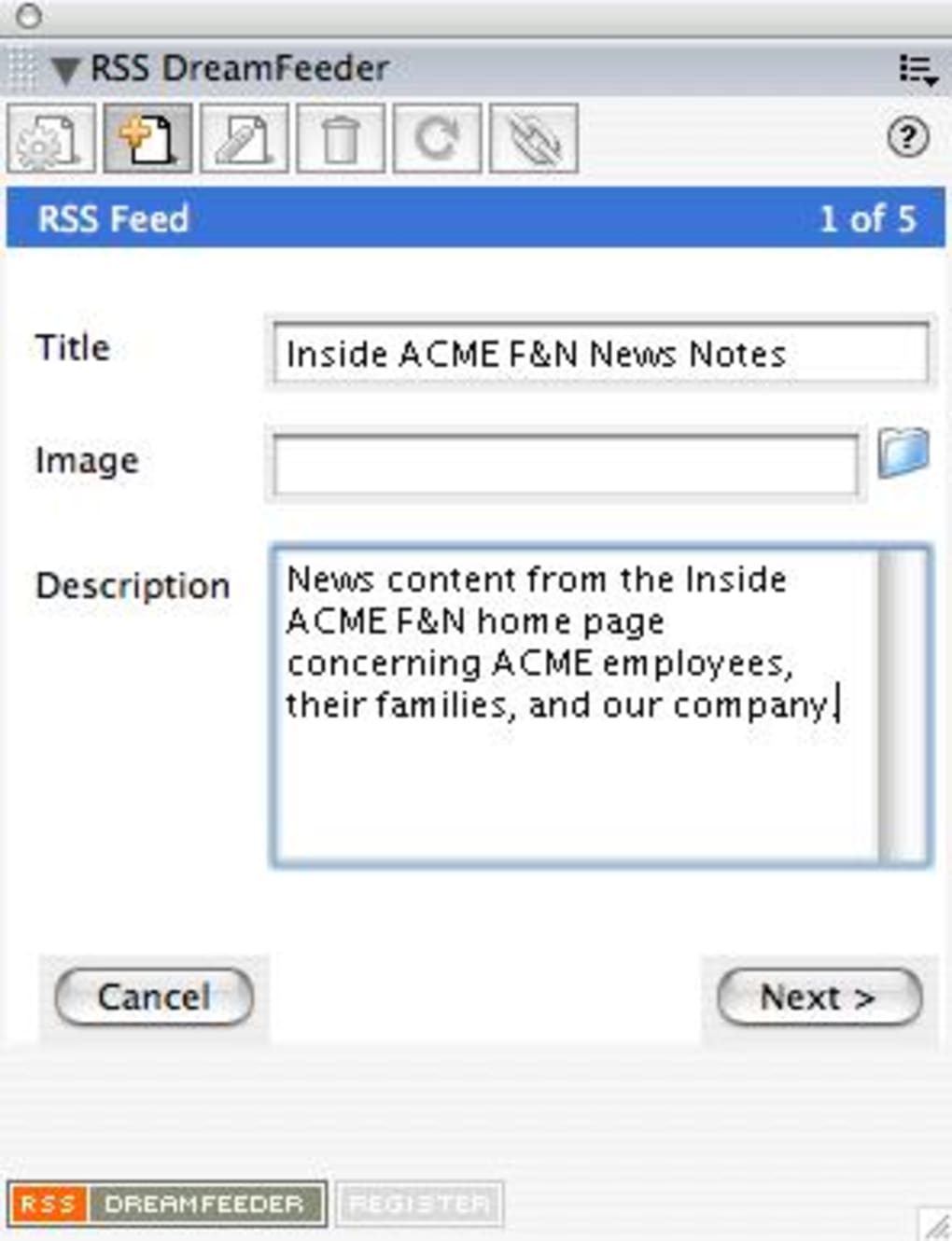
Once Dreamweaver is open, locate the new RSS Dreamfeeder option under the Tools menu. Clicking it launches a wizard that asks for:
- Feed title and description – these appear in reader apps.
- Base URL – the public address of your site (e.g.,
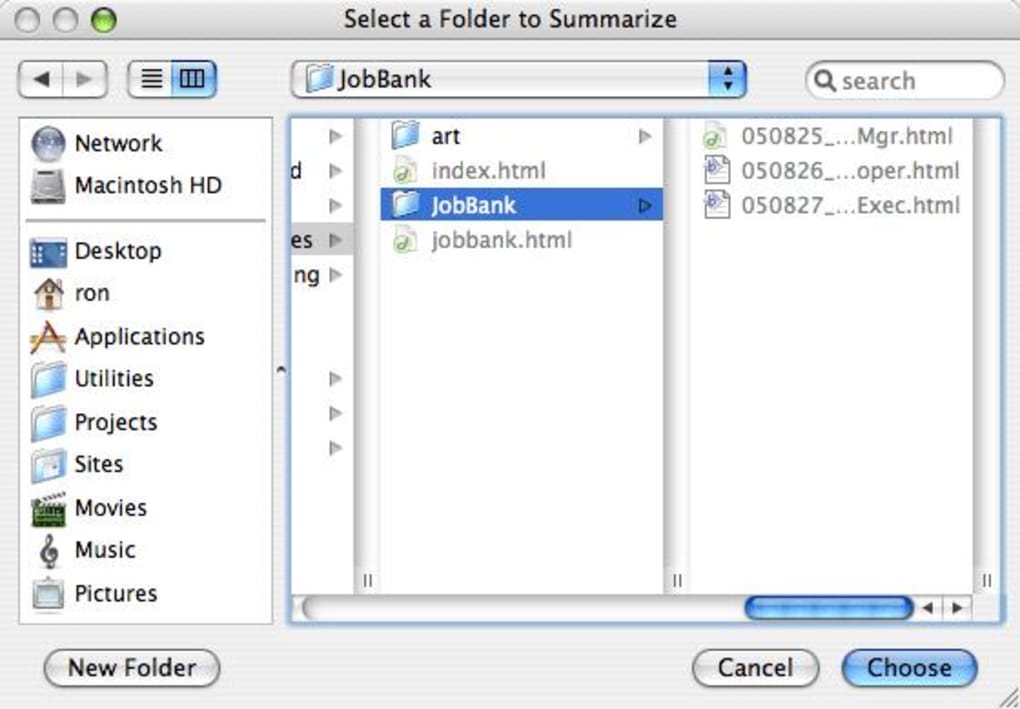
https://www.example.com/). - Content folder – where the wizard will search for articles.
- Update criteria – choose to include only pages with a specific meta tag or those modified after a certain date.
After completing the wizard, Dreamfeeder creates an rss.xml file in the selected folder and automatically adds the required tags to each page. You can preview the feed in any web browser or use the built‑in validator to confirm compliance.
Operating System Support
RSS Dreamfeeder is compatible with Windows 10/11 (both 64‑bit) and macOS 10.15 Catalina or later. The plug‑in works with Dreamweaver CC 2019, 2020, 2021, and the latest 2024 release. Although Dreamweaver itself runs on both Windows and macOS, the RSS Dreamfeeder installer is platform‑specific; you must download the appropriate version for your OS.
System requirements are modest: a 1 GHz processor, 2 GB RAM, and at least 50 MB of free disk space for the installer. Because the tool runs locally, there is no need for a web server or database, making it ideal for freelancers and small agencies that host static sites on services like GitHub Pages or Netlify.
Pros, Cons & Frequently Asked Questions
Pros
- Fully integrated into Dreamweaver – no context switching.
- Zero‑code solution – perfect for users without XML experience.
- Automatic feed discovery tags improve SEO and reader visibility.
- Customizable update filters prevent unnecessary feed churn.
- Lightweight and fast – generates feeds in seconds.
- Free trial available; affordable paid upgrade for ongoing support.
Cons
- Only works with Dreamweaver; not suitable for non‑Adobe editors.
- Minor edits (e.g., typo fixes) can trigger feed updates unless filters are configured.
- No built‑in analytics; you need a third‑party service to track feed consumption.
- Windows and macOS installers are separate; no Linux support.
FAQ
Do I need any XML knowledge to use RSS Dreamfeeder?
No. The wizard creates a fully compliant RSS file automatically, and the plug‑in handles all tag insertion behind the scenes.
Can I limit the feed to only blog posts and exclude static pages?
Yes. In the advanced settings you can define include/exclude rules based on folder paths, meta tags, or URL patterns.
Is the generated RSS feed compatible with major aggregators?
The feed follows the RSS 2.0 specification, which is universally accepted by Feedly, Google News, Yahoo! Pipes, and most other aggregators.
How often should I run the feed generator?
You can run it manually after a batch of updates, or set up a scheduled task (Windows Task Scheduler or macOS Automator) to execute the plug‑in nightly.
What if I need to edit the RSS file directly?
The rss.xml file is stored in your site folder and can be opened with any text editor. However, manual edits are rarely required because Dreamfeeder overwrites the file each run.
Our Review
Rating: 4.5/5
TechEditor Pro
RSS Dreamfeeder bridges a long‑standing gap for Dreamweaver users who want to syndicate content without learning RSS syntax. Its intuitive wizard, solid integration, and powerful filtering options make it a must‑have for static‑site developers. The only drawback is its exclusive reliance on Dreamweaver, but for the target audience that limitation is acceptable. Overall, it delivers excellent value, especially considering the free trial and low‑cost upgrade path.
Conclusion & Call to Action
If you build websites with Dreamweaver and want to amplify your reach, RSS Dreamfeeder is the most straightforward way to turn every page update into a globally distributed feed. The tool eliminates tedious XML coding, automatically inserts discovery tags, and gives you granular control over what constitutes an “update.” By publishing a clean RSS 2.0 file, you improve SEO, increase referral traffic, and enable readers to stay informed through their favorite aggregators. Install the free trial today, test the wizard, and see how quickly your static site can become a live, syndicated content hub. When you’re ready for continued support and future enhancements, upgrade to the full version for a modest one‑time fee. Download RSS Dreamfeeder now and start turning every edit into an audience‑building opportunity.
Guides & Tutorials for RSS Dreamfeeder
How to install RSS Dreamfeeder
- Click the Preview / Download button above.
- Once redirected, accept the terms and click Install.
- Wait for the RSS Dreamfeeder download to finish on your device.
How to use RSS Dreamfeeder
This software is primarily used for its core features described above. Open the app after installation to explore its capabilities.
User Reviews for RSS Dreamfeeder 0
No reviews found





.webp)